R is a great language for calculating and visualizing mathematical equations and functions. It comes with a wide variety of packages that let you to a multitude of tasks, ranging from simply plotting data points in a graph to classical machine learning.
In order to get started in R you’ll need to download some sort of IDE to create and run your scripts. We’ll take a look at two today, and you can pick which one you would like to work with.
Firstly we’ll look at RStudio, available here: https://rstudio.com/
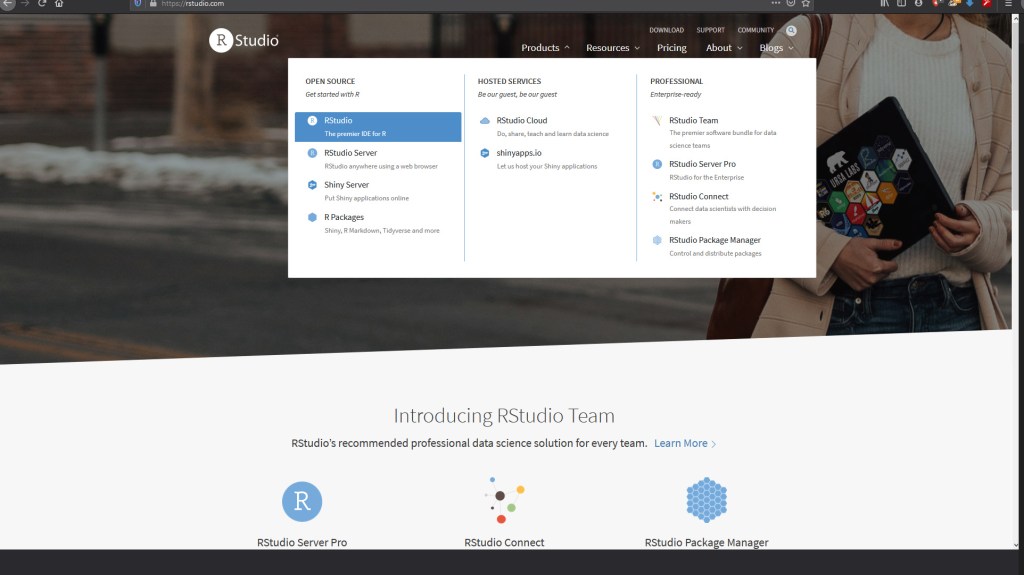
It’s more similar to other IDEs if you’ve done coding before, and feel a lot like Spyder.
The second IDE we’ll show is the R GUI. This is what I use to do most of my work in R just because it’s really simple and easy to understand.
It is available here: https://cran.r-project.org/mirrors.html
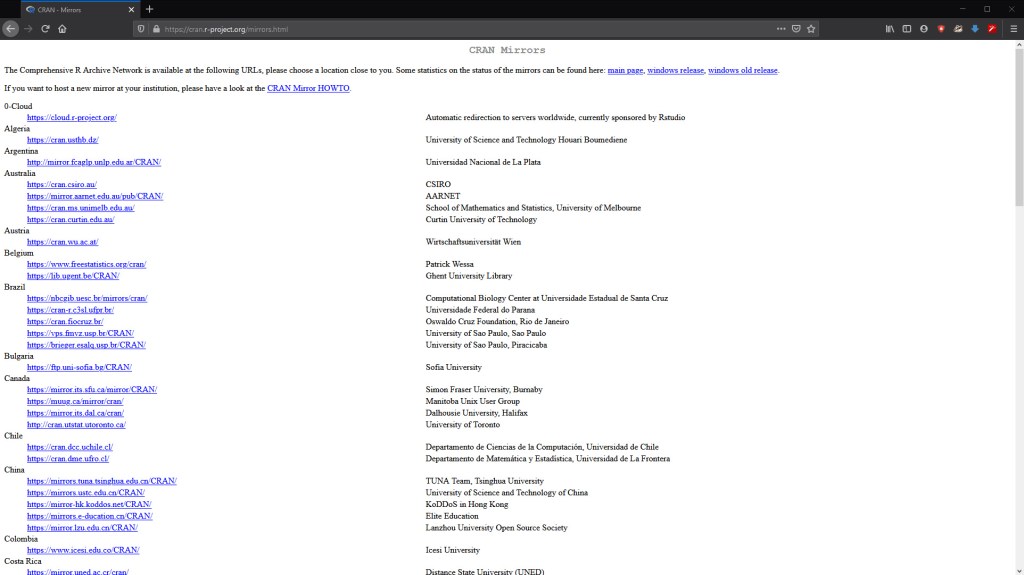
Just make sure you pick a mirror close to you to speed up download time.
Once that is downloaded an installed you should be able to find R GUI in your search bar by looking up “R x64 3.6.1”
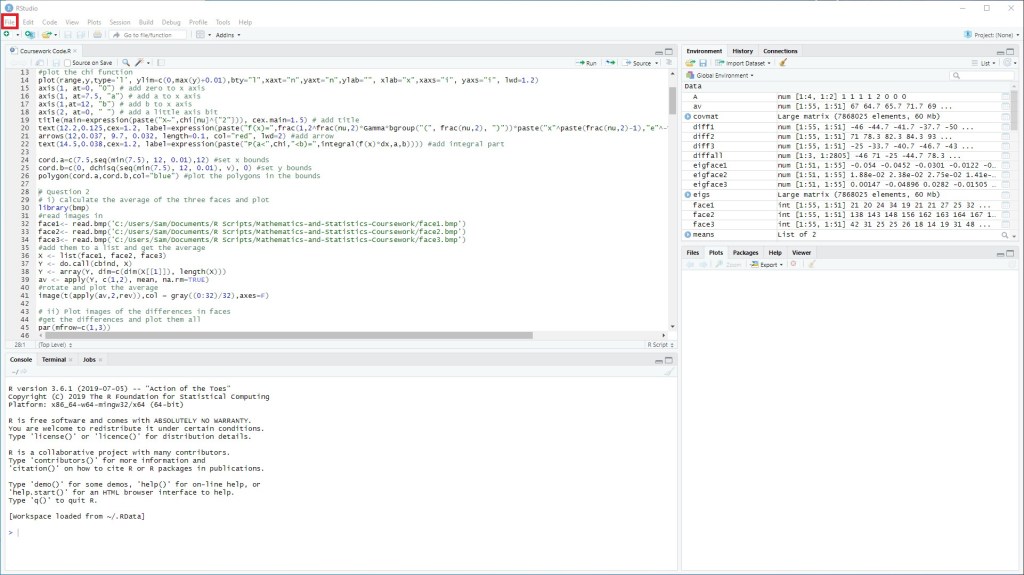
The next thing we’ll be looking at is making scripts. In the GUI this is done really easily, just by clicking “File” and then “New Script”
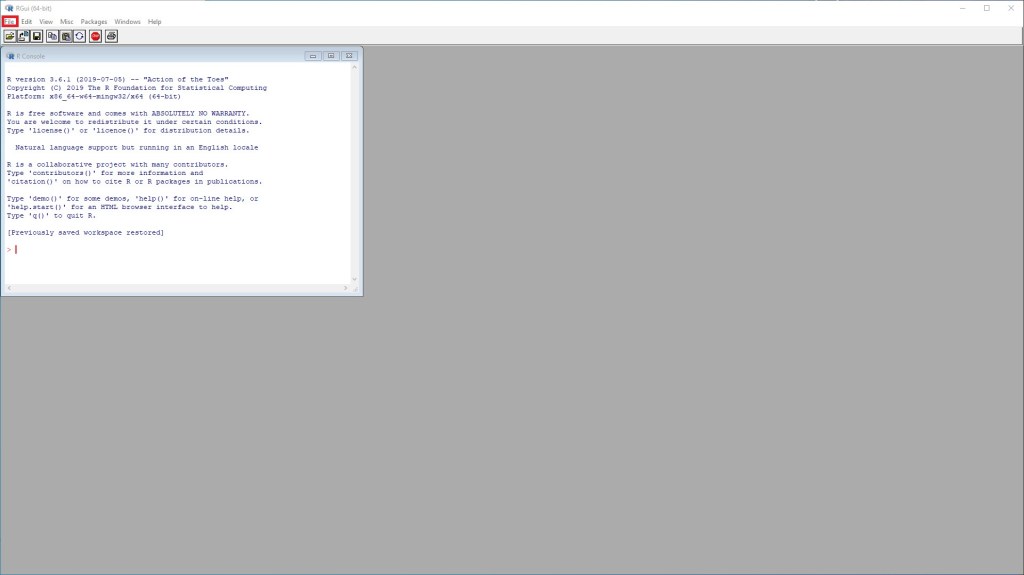
It is a similar process in RStudio
But what if we want to download a specialist package? In the command prompt we can type “install.packages()” which then lets you select a mirror and then select a package.
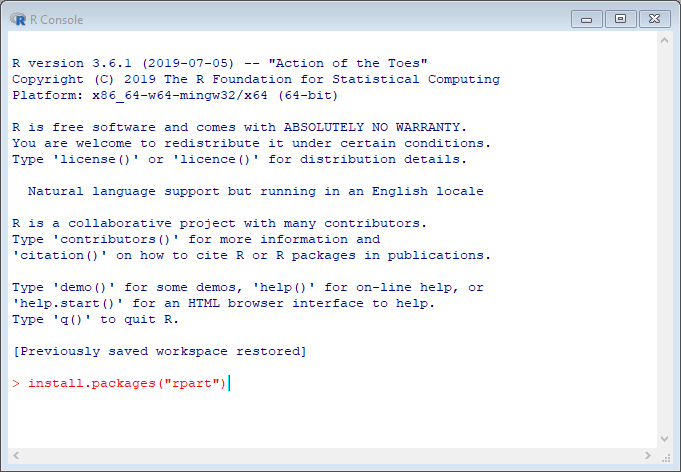
Equally we can put the package name in the brackets to install a specific package.
We can then include the package in the scripte by adding “library()”.
And that is the basics of getting set up so we’re ready to learn more R.
Next time
Next time we’ll be looking at vectors and matrices, the operations you can do with them and the functions available.

