C is common beginner language as the syntax is quite simple and you don’t have to worry about the object oriented concepts. Many people, myself included, started with C as it is a low level language, which technically does make it faster.
Nowadays, it’s more likely you’ll be working with C++ or C# variants of C but for this tutorial series, we’ll be looking at the ol’ reliable C.
To start, as before you’re going to need an IDE, we’ll be using Visual Studio for Windows here: https://visualstudio.microsoft.com/
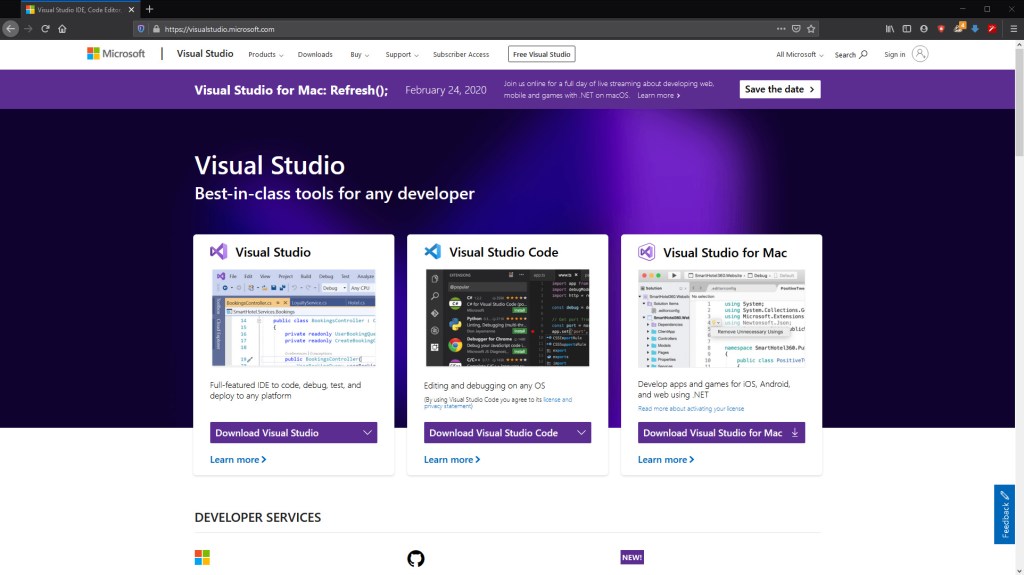
However, to my knowledge this won’t work for Mac and Linux users, fortunately Visual Studio Code is available for you to use and for Mac users, a special Visual Studio has been made available.
Once that’s downloaded and installed, you’ll be able to create your first application. To do this, select “C++ Console Application”
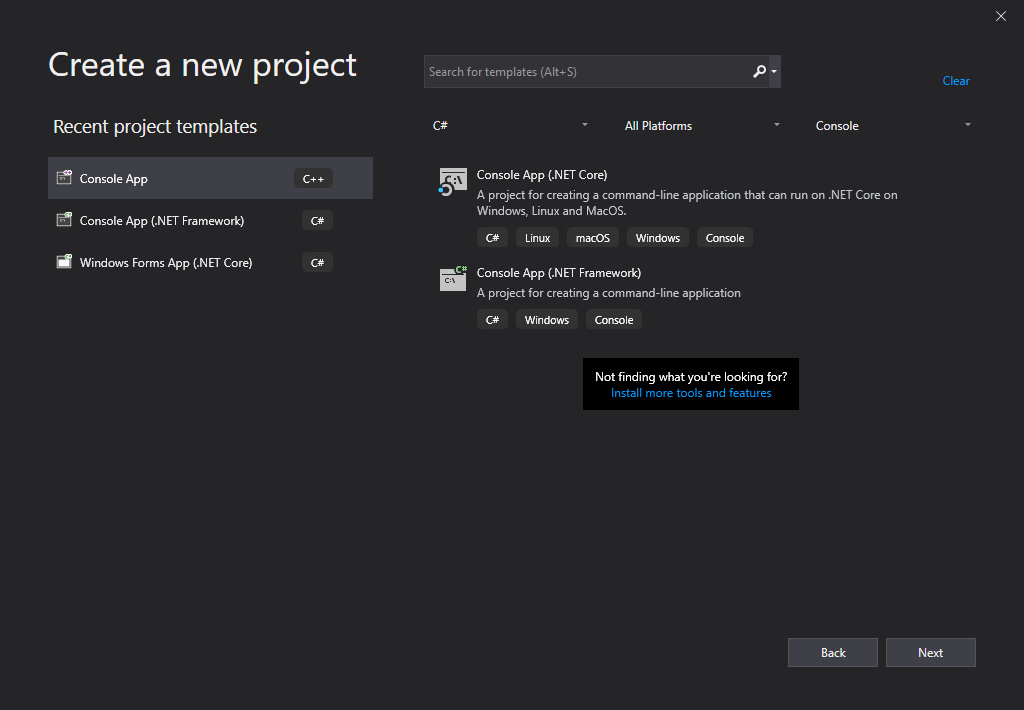
You may notice that we’ve got a “.cpp” file instead of a “.c” file. This is fine for us as the code will compile the same as if it were C code, and you can use all C libraries in C++
This is becauce C++ is actually an object-orientation extension of sorts for C.
And that’s the setup done!
Next Time
Next time we will be looking at the “main” function in C, explaining how to use libraries and external imports and the “printf” function. This will then lead to the classic “Hello World!”.

