Today we’re going to be looking at getting started with Python. In order to make the process really simple, we’re going to be using Anaconda which is a distribution package that basically sets everything up for us in one place.
Navigate over to their website here: https://www.anaconda.com/distribution/ and download the Python 3.7 version for your particular operating system.
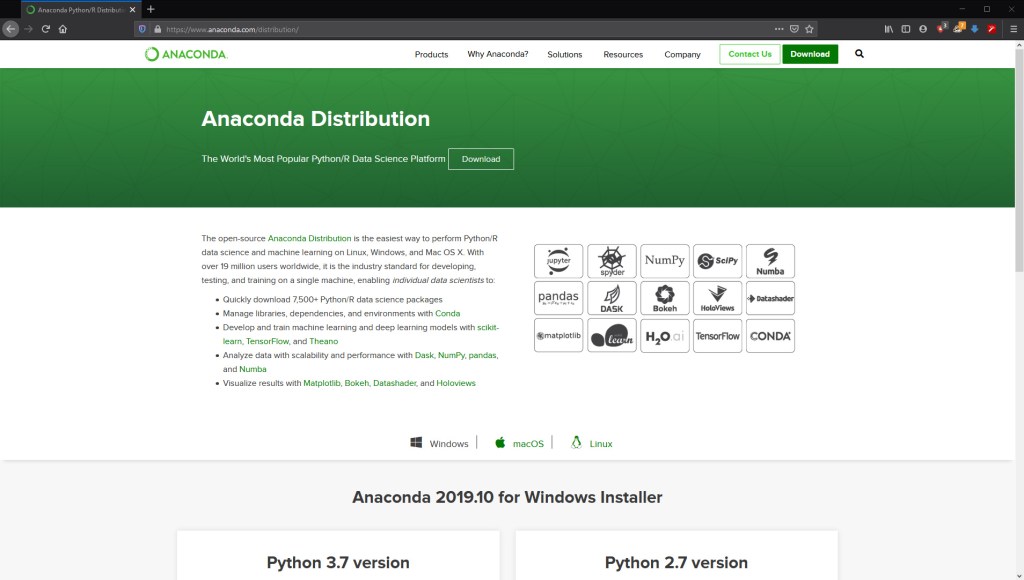
When the download is finished, go ahead and install it and when that’s done you’ll be good to run it.
Upon opening the navigator, you’ll meet a screen that looks like this:
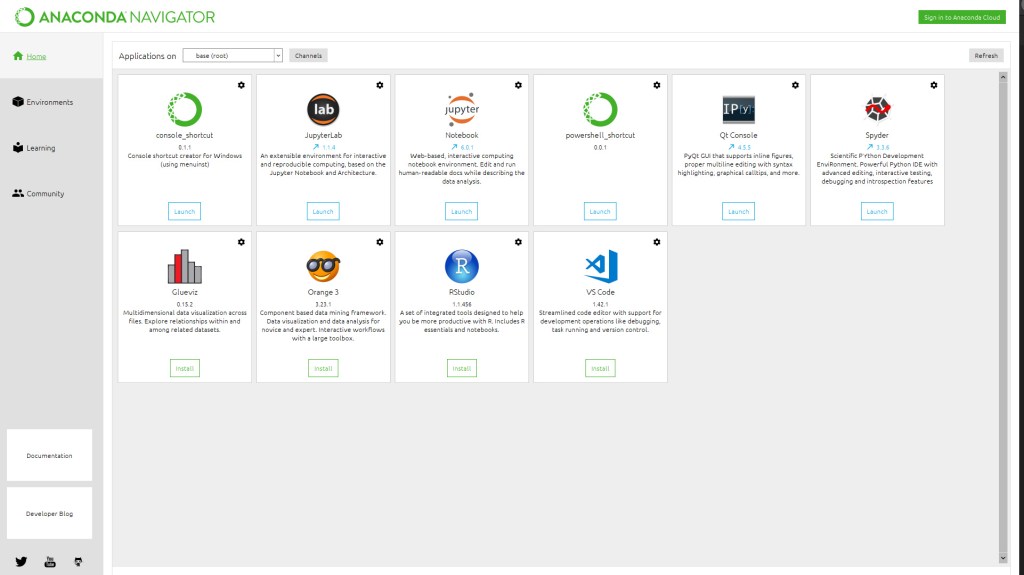
This shows the different environments that we can use to develop and run our Python code in. For the purposes of the tutorials, I’d recommend using Jupyter Notebook. However, Spyder is another IDE I would highly recommend. Go ahead and make sure they’re installed.
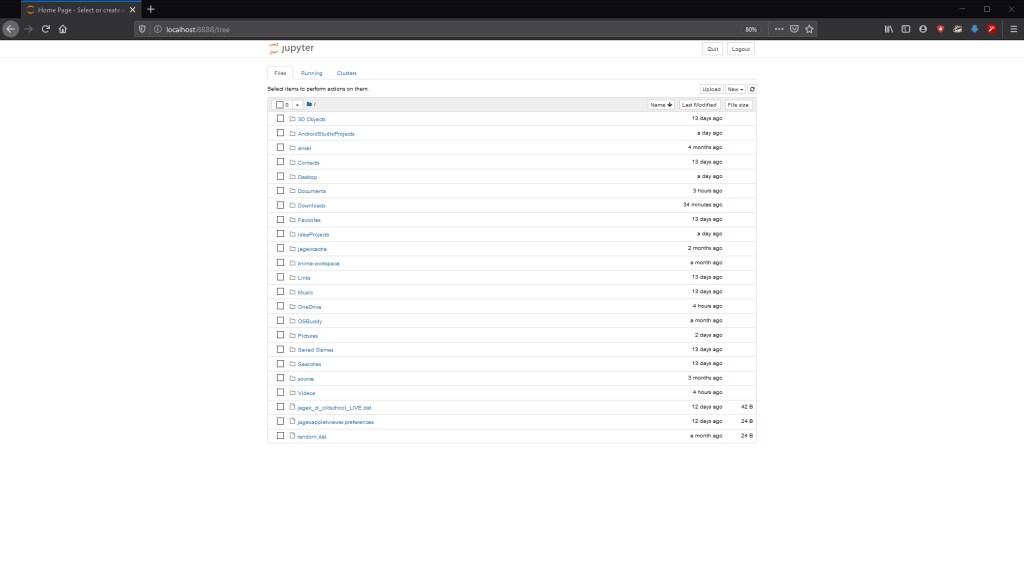
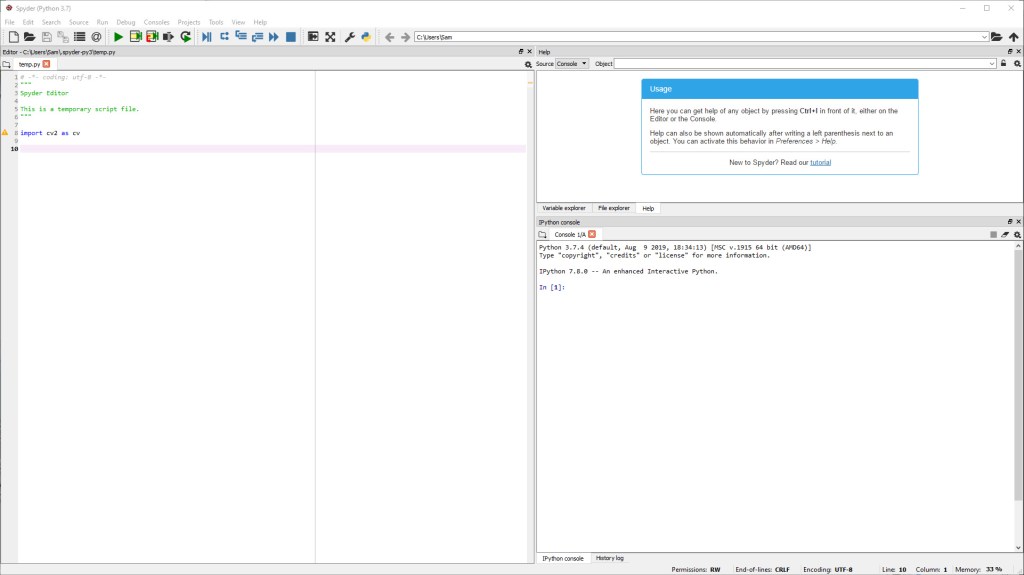
We’re nearly set up, the last thing we need to know how to do is how to install packages if we need to do that later down the line.
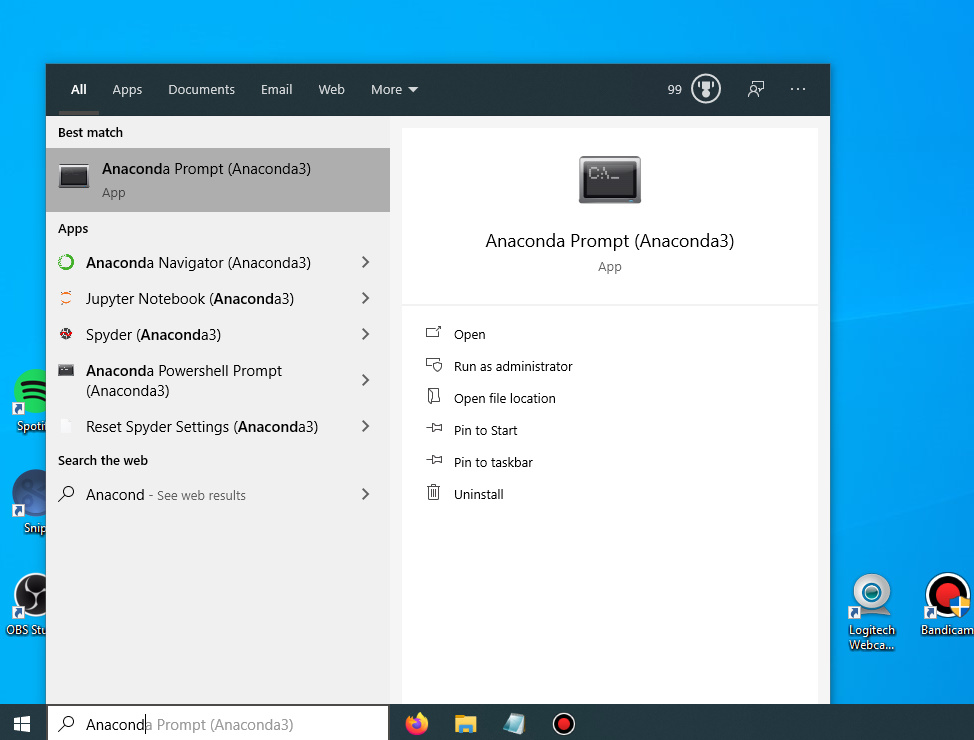
Find the Anaconda prompt in your computer, shown below is how I do it on Windows:
The command to install packages is then:
conda install <package-name>
Where is replaced with the package that you want to install.
And there we have it, we’ve now got everything we need to get started in Python.
Next time
Next time we’ll be looking at the basics/fundamentals of Python.

