Today we’re going to be getting started with C++. If you’ve been through the C tutorial available on the blog, you’ll already be set up with everything you need.
For the sake of any newcomers to the blog, we’ll be covering how to get started with C++.
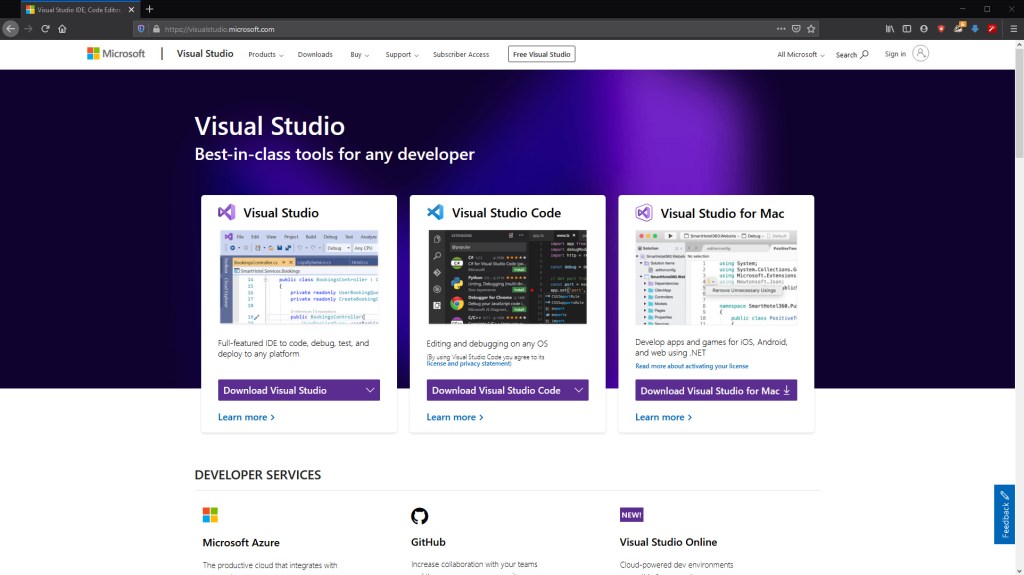
Firstly, we’ll need an IDE to make our C++ projects in. For this we’ll use the Community Edition of Visual Studio, found here: https://visualstudio.microsoft.com/
If you’re on a Mac, you’ll need to use Visual Studio Code, which has reduced functionality, but should give you the bare minimum you need.
Once you’ve downloaded and installed the application, you’ll want to run it an create a new project on this screen:
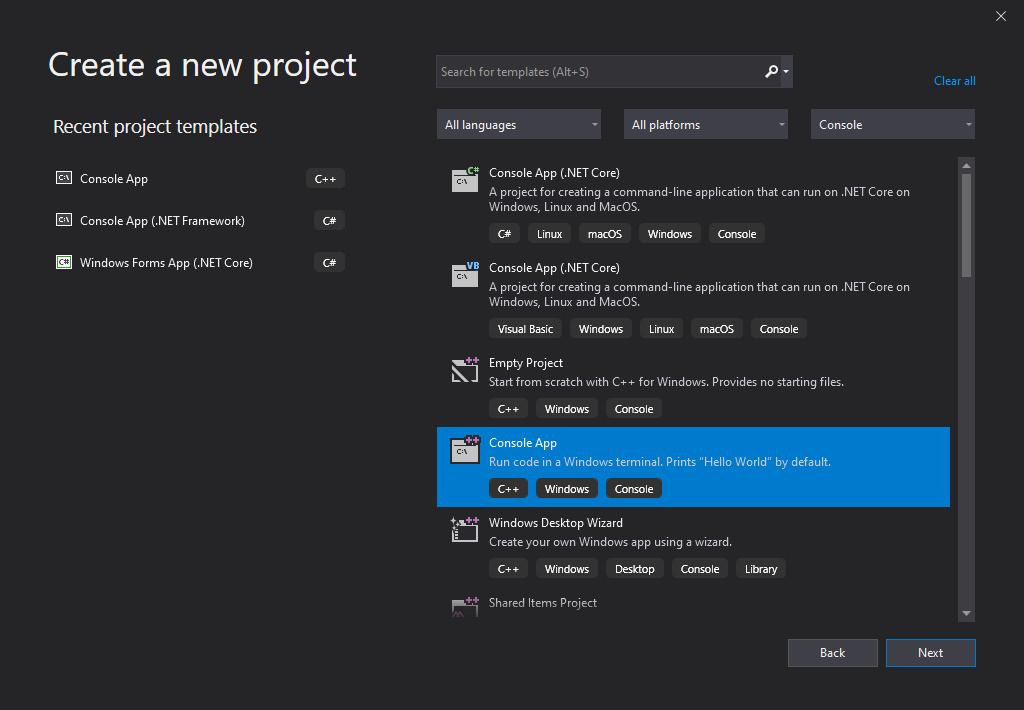
Then we want a “C++ Console Application” and that’ll be it:
That’s all we need to do to get ourselves set up in C++, from here we’ll be able to make our projects.
Next time
Next time we’ll be doing the classic “Hello World” in C++, because it is such a classic. We’ll be looking at making the main function and which library we need in C++ for console I/O (it’s better in C++).

