Java is one of the most popular languages in the world, due to its cross-platform nature and the ease of which its can be learned. It may not be as fast or as efficient as a language such as C or C++ but Java has many powerful features that make it a good starting language for many people.
Getting the Software
For this tutorial series we will be using the integrated development environment (IDE) called IntelliJ IDEA. You can find IntelliJ IDEA here: https://www.jetbrains.com/idea/
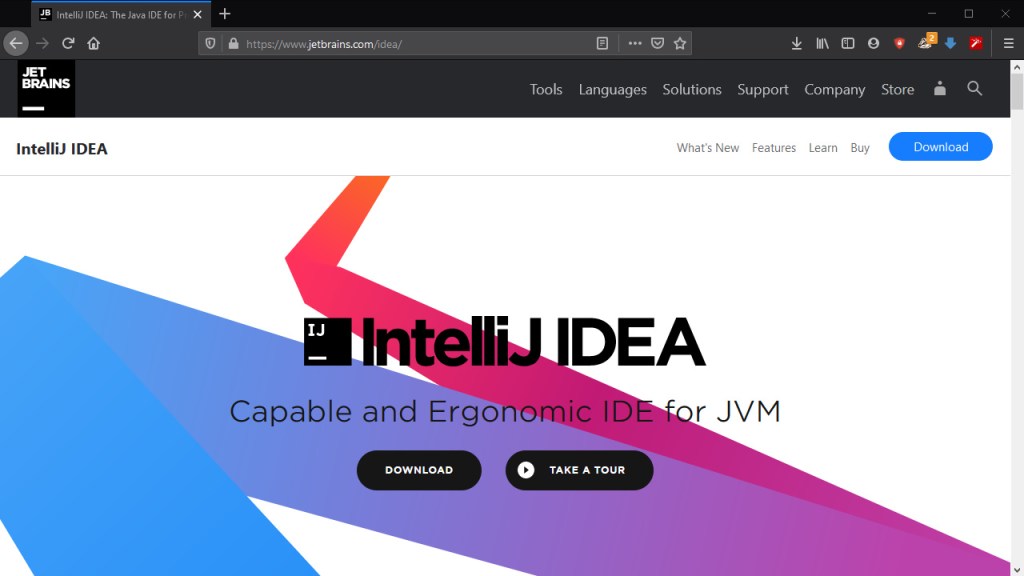
After you have downloaded the version appropriate for your operating system, run the installation so that you have it ready on your machine. The next step is going to be getting a Java development kit (JDK). You will have to install the JDK yourselves. This can be done by following the link here: https://www.oracle.com/technetwork/java/javase/downloads/jdk13-downloads-5672538.html
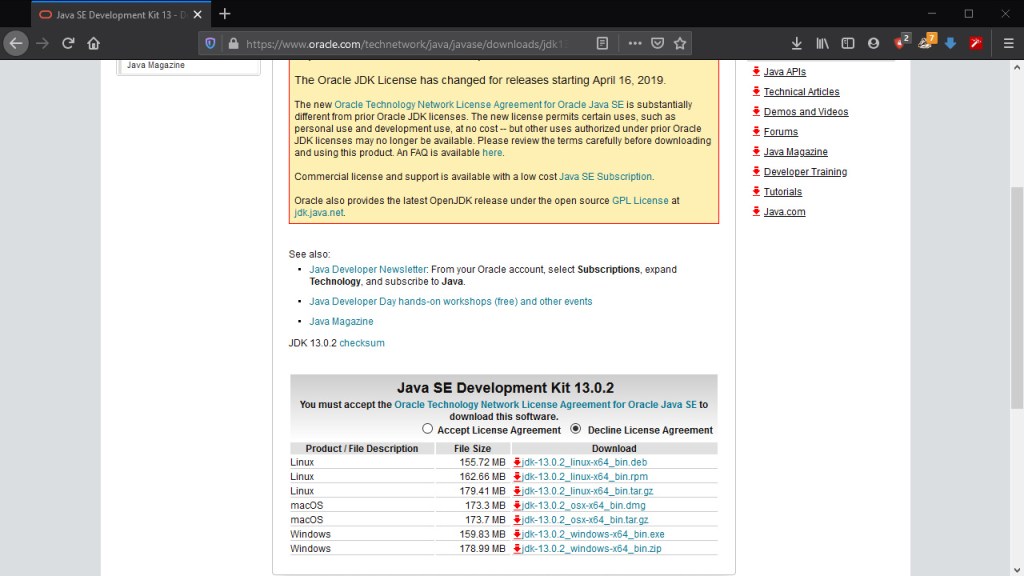
Select the version of the file you want and make sure to accept the “License Agreement”. Once the file is downloaded install the JDK and we’re ready to move to IntelliJ!
Creating the Project
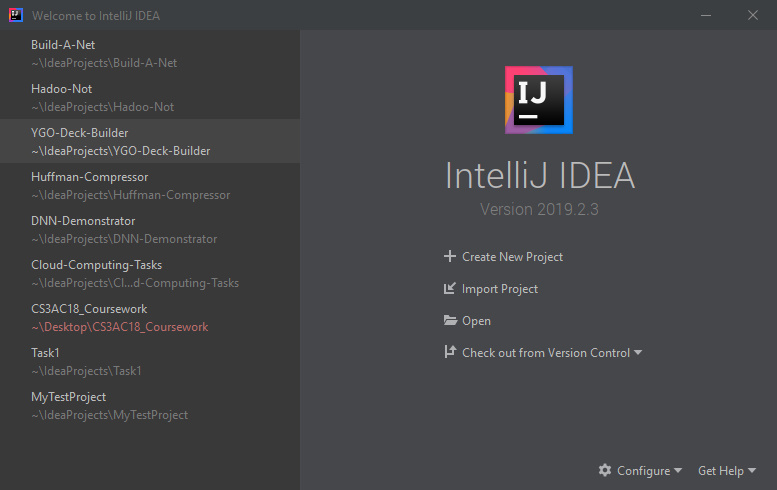
Open IntelliJ and we’ll start by creating our first project. Make sure to set the SDK to the JDK we installed! If it doesn’t recognize the JDK, you’ll need to click “New” and find the file as shown below:
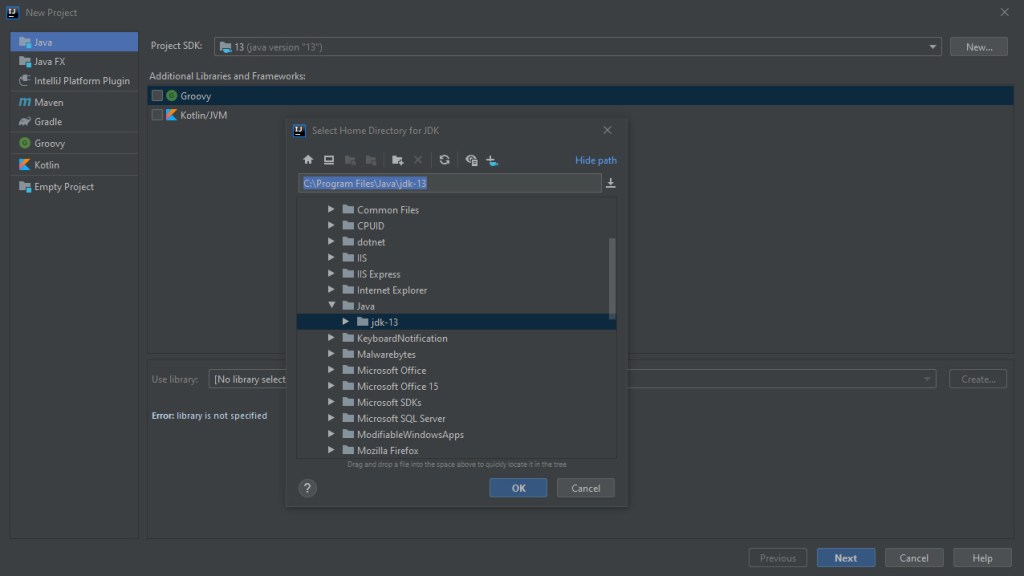
Then hit next until you reach the project naming screen:
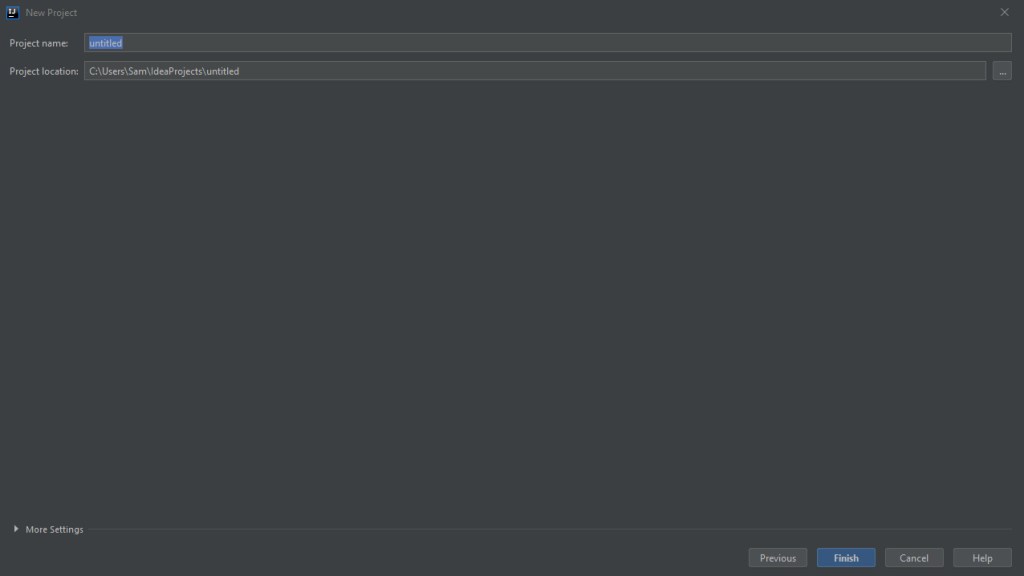
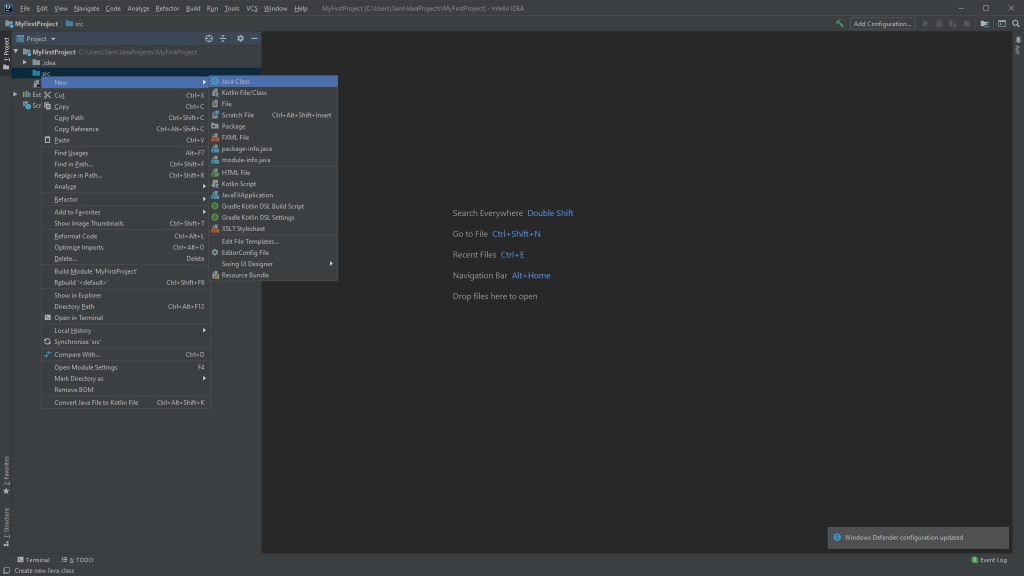
Name it whatever you like and click “Finish”. Upon creating the project, we can now see the project view on the left, we’ll create a class in the “src” folder called Main. You do this by right-clicking the “src” folder and selecting “New > Java Class”.
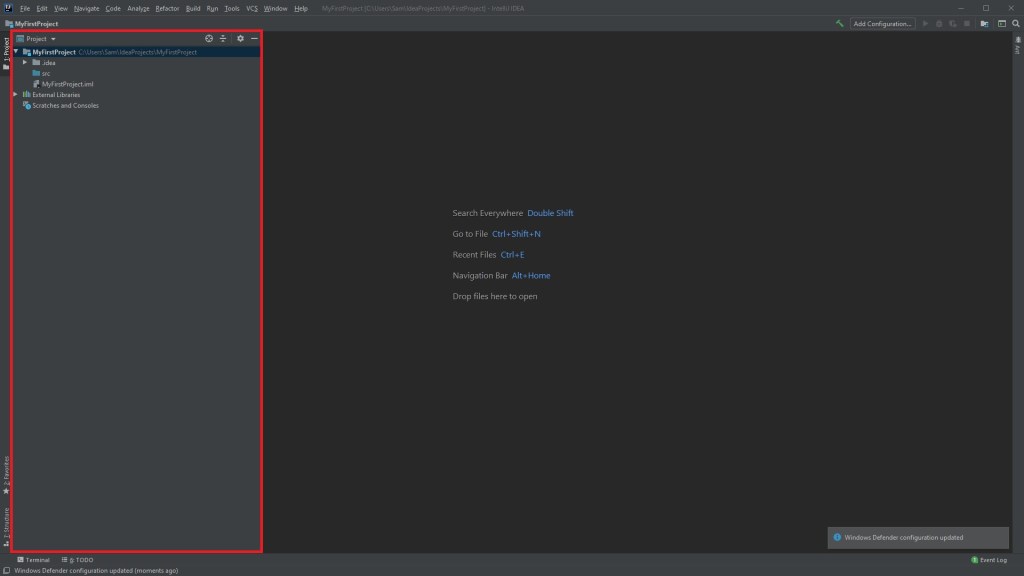
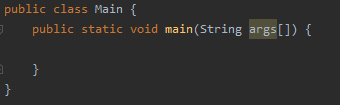
Now with the Main class defined, we’ll add the main function to it:
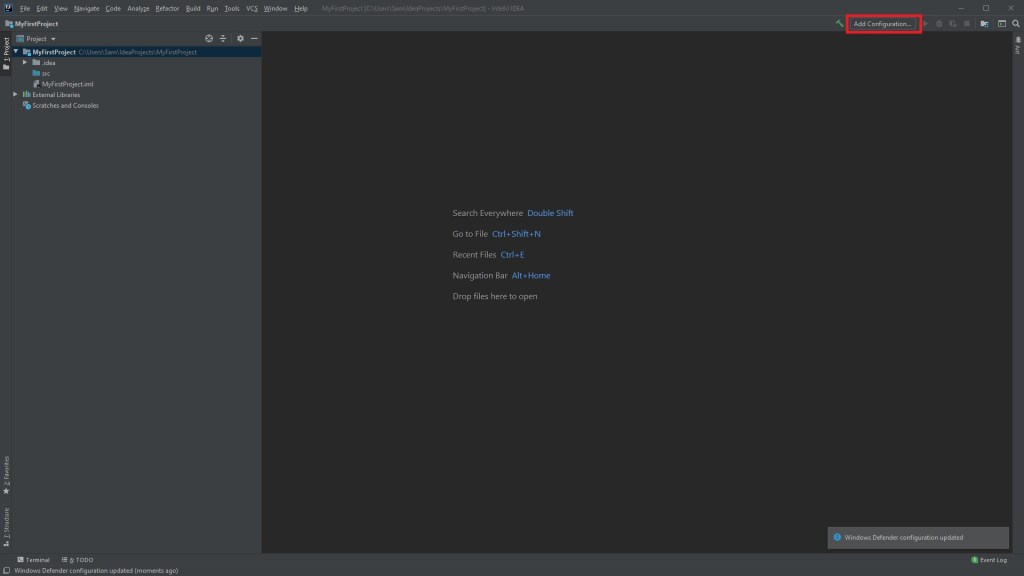
All that remains now is to setup a run configuration, which can be done here:
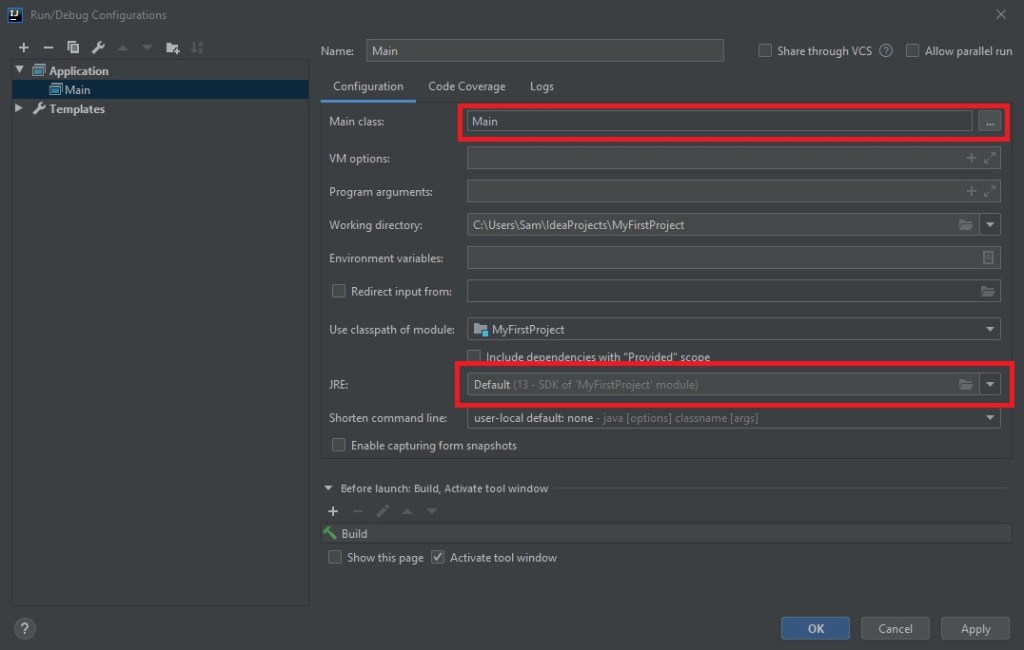
Select the class as “Main” and make sure that the “JRE” is set to the same JDK you used. We now have the bare minimum to get started with Java!
Next Time
In the next post we’ll be going over variable declarations, loops and the naming conventions in Java. We’ll also be looking at access modifiers and commenting, so stay tuned!

